



 Technology
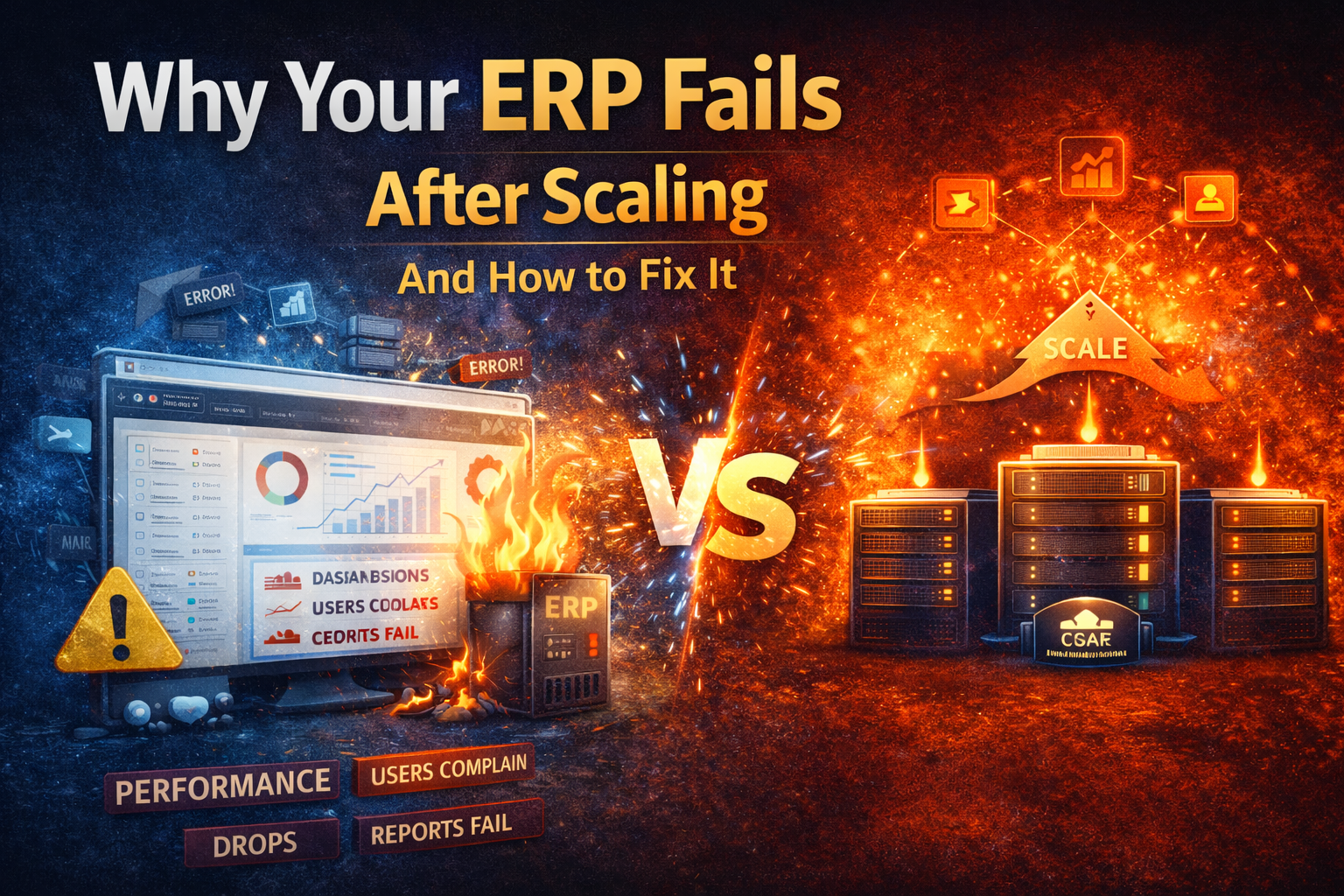
Why Your ERP Fails After Scaling (And How to Fix It)
🚀 Introduction
Building an ERP system is not the hard part.
👉 Scaling it is.
Many businesses invest months (even years) into building an ERP.
Everything works perfectly… until:
- Users increase
- Data grows
- Features expand
And suddenly:
❌ System becomes slow
❌ APIs start failing
❌ Reports take forever
❌ Users complain
If this sounds familiar — your ERP is not broken,
👉 It’s just not built to scale.
Let’s understand why this happens and how to fix it.
⚠️ 1. Monolithic Architecture Becomes a Bottleneck
Most ERPs start as a monolithic system.
👉 Everything is connected
👉 One change affects everything
👉 Scaling one module = scaling whole system
💡 Problem:
- Hard to maintain
- Slow deployments
- Performance bottlenecks
✅ Solution:
- Move to modular architecture
- Break system into services (microservices or modular monolith)
- Scale only what is needed
🐢 2. Database Becomes the Biggest Pain Point
As data grows:
- Queries become slower
- Joins become heavy
- Locks increase
💡 Problem:
Your ERP depends too much on database performance.
✅ Solution:
- Optimize queries & indexing
- Use read/write separation
- Implement caching (Redis)
- Archive old data
⚙️ 3. No Caching Strategy
Every request hitting the database = disaster at scale.
💡 Problem:
Repeated queries increase load and slow down system.
✅ Solution:
- Use caching layers (Redis, Memcached)
- Cache dashboards, reports, and frequently accessed data
- Use TTL and cache invalidation properly
🔄 4. Poor API Design
Bad APIs = slow ERP.
Common issues:
- Too many API calls
- Heavy payloads
- No pagination
💡 Solution:
- Optimize API responses
- Use pagination & lazy loading
- Combine APIs where needed
- Use GraphQL (optional)
📉 5. No Background Job Processing
If everything runs in real-time:
👉 Your system will crash under load.
💡 Problem:
Heavy tasks (reports, emails, calculations) block performance.
✅ Solution:
- Use queues (Redis, RabbitMQ)
- Move heavy tasks to background jobs
- Process asynchronously
🤖 6. No Monitoring & Logging
You can’t fix what you can’t see.
💡 Problem:
- No performance tracking
- No error visibility
✅ Solution:
- Implement logging system
- Use monitoring tools (CPU, memory, API time)
- Set alerts for failures
📊 7. Infrastructure Not Ready for Scale
Many ERPs run on:
👉 Single server setup
Which is risky.
💡 Problem:
- Single point of failure
- No load handling
✅ Solution:
- Use load balancer
- Scale horizontally
- Use cloud infrastructure (AWS, Docker, Kubernetes)
🔐 8. Session & State Mismanagement
When users increase:
- Sessions overload server
- State becomes inconsistent
💡 Solution:
- Store sessions in Redis
- Use stateless APIs
- Implement proper authentication flow
💡 Bonus: Use AI for Smart Scaling Decisions
Modern systems should not rely only on manual monitoring.
Tools like AivoraGrowthAI can:
- Analyze performance bottlenecks
- Detect unusual traffic or load
- Suggest optimization strategies
- Automate actions (alerts, scaling triggers)
🎯 Conclusion
ERP failure after scaling is not bad luck —
👉 It’s an architecture problem.
To build a scalable ERP:
- Design for growth from day one
- Optimize database & APIs
- Use caching & queues
- Monitor everything
🧠 Final Thought
“If your system cannot handle growth,
growth itself becomes your biggest problem.”
📣 Call to Action
Facing ERP performance issues?
👉 Start optimizing today or explore smart solutions like AivoraGrowthAI to scale your system efficiently.